
Your plan
Your goal, your daily targets and your workouts, with the reasoning behind every number.
It all lives on the Coach tab. Change your goal, days, split or macros in a few taps.
On this page
How it works
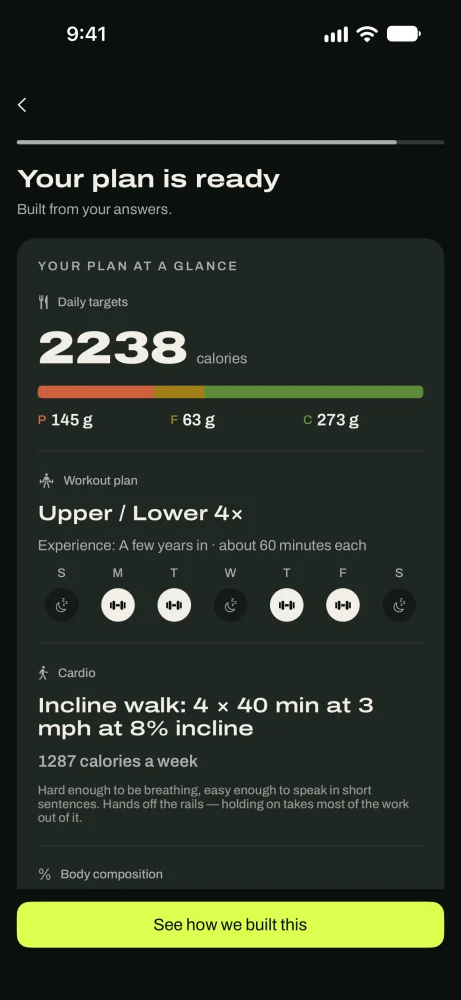
Your plan has two halves. Food: a daily calorie target, with protein set first and carbs and fat filling the rest. Training: a program picked for your days, workout length, equipment, experience and anything that hurts.
Both come from your answers at setup. After that, check-ins adjust them from your real logs. When you change your goal or training days yourself, the app builds a new version of the plan (Plan 2, Plan 3 and so on) that starts tomorrow. Past days keep the targets they had.
See your plan
Open the Coach tab
Your training shows the program, days a week, longest workout and weekly cardio. Your food shows your calories, protein, fat and carbs.
Below that are your next check-in and your daily burn.
In the appCoach
Training, food and your next check-in in one place. See why each number was set
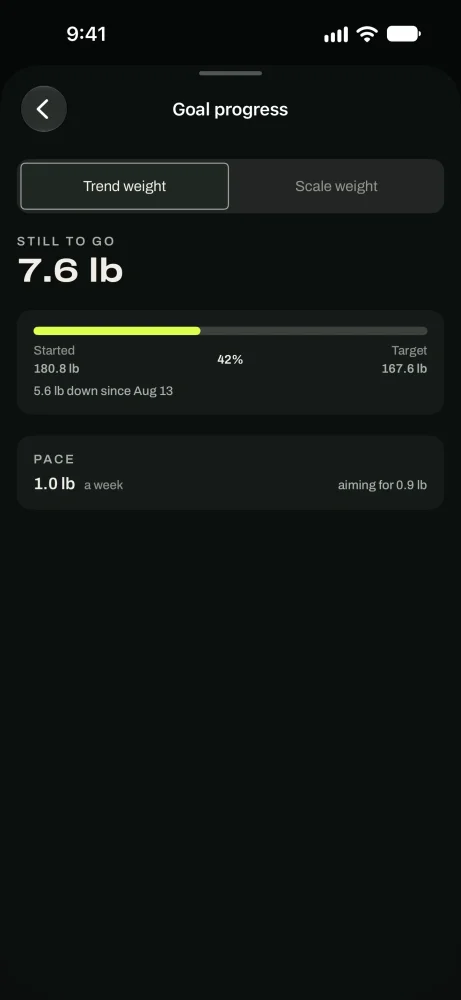
How this plan was built explains your energy use, your food target, your protein and your training in plain words.
In the appCoach › How your coach built this
Change your goal
Start a new goal
Choose Lose, Build muscle, lose fat, or Gain. Set a target weight and how fast to get there: up to 1.5% of bodyweight a week for losing, 1% for gaining.
What this means shows your new daily calories and roughly when you'd reach the target. Tap Start this goal.
In the appCoach › Change my goal
Change your training days
Pick new days
Tap the days you can train, then Save as Plan. The change starts tomorrow. Today's targets and past logs stay the same.
In the appCoach › Change my training days
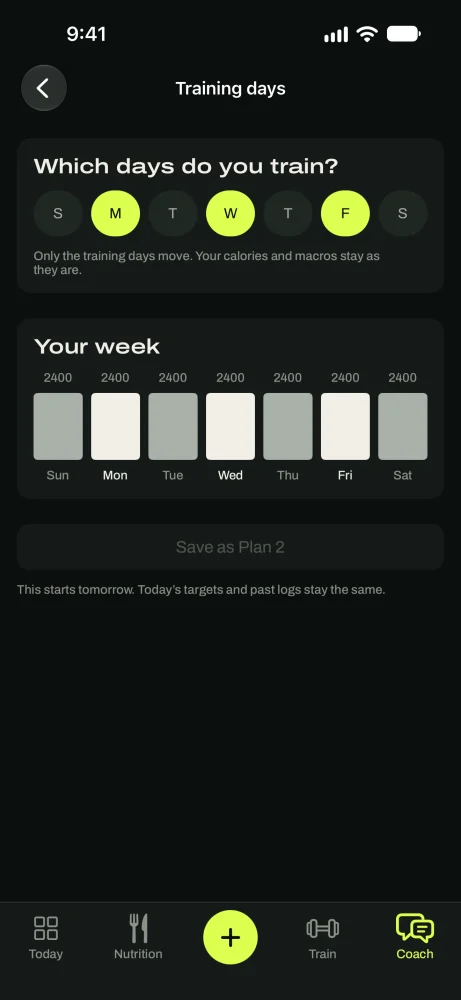
Change your training days at any time.
Change your workout split
Choose a split
See other ways to arrange the same days and level: full body, upper/lower, or push/pull/legs. Each one lists its trade-off. With the same weekly sets, they work about equally well, so pick the one you'll enjoy.
If you picked a program yourself in the Train tab, change it there instead.
In the appCoach › Change my workout split
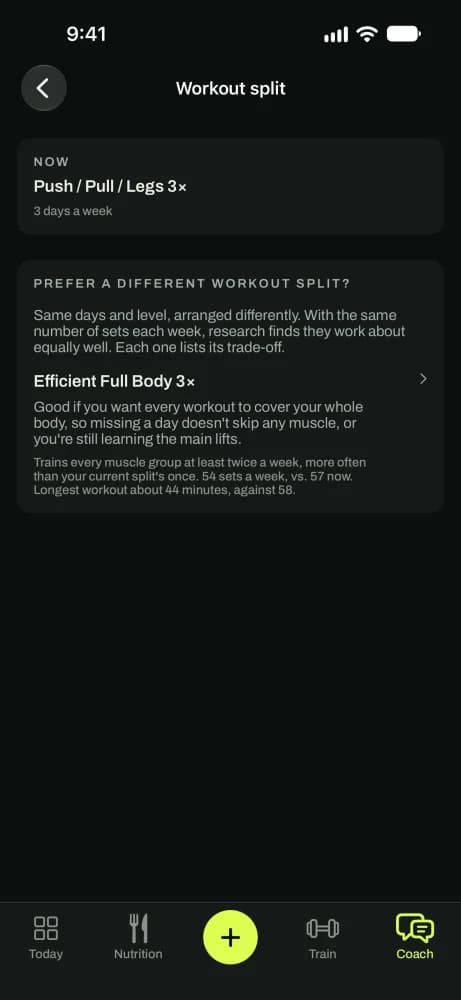
Choose a split, or keep the one chosen for you.
Change your macros
Customize this plan
Pick a diet type (Balanced, Lower carb, Lower fat or Keto), how protein is set (bodyweight, lean mass, or a share of calories) and a calorie floor. Preview the result, then tap Save.
In the appCoach › Change my macros
Good to know
- TipChanging your goal or days creates a new plan version that starts tomorrow. Nothing already logged changes.
- TipCalories are the same every day, training or not.
- TipYour coach can explain any number. Ask it why your protein is set where it is.
- TipCheck-ins adjust the plan for you. You rarely need to change the numbers by hand.
Questions
Keep reading
The method
Why your targets start as an estimate, how they get measured, and why they move every two weeks.
TrainTraining
Start a workout, log sets against last time, rest timer, plate calculator, PRs and Apple Watch.
Check-insCheck-ins
Every two weeks, one suggestion from your real logs. You accept it or decline it.
Still stuck? Email support@getgoodenough.com.
Coming soon